
TalkWeaver PPT Extractor
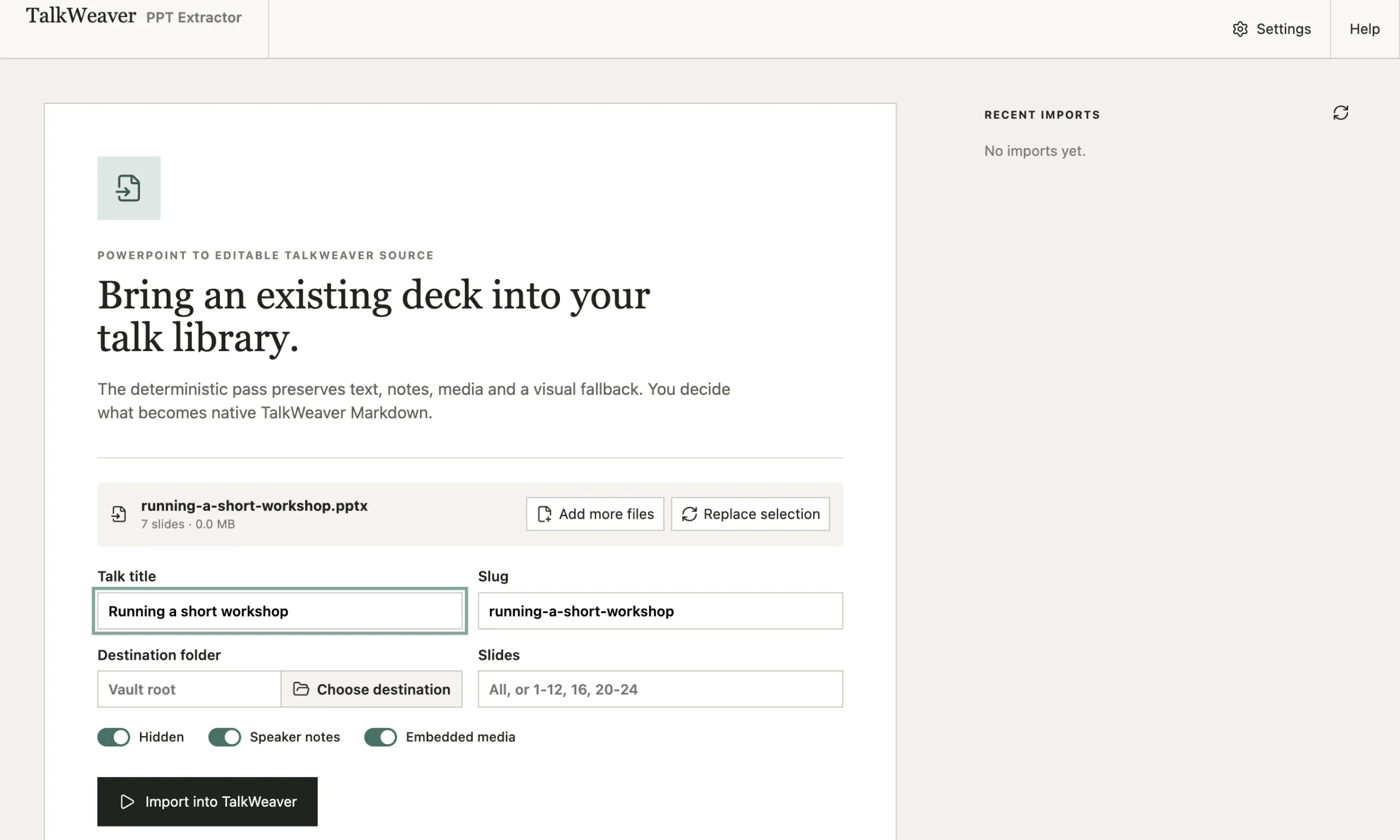
PPT Extractor is a separate app that converts PowerPoint decks into TalkWeaver talks. It has the same Importer as TalkWeaver, so you can work through a pile of old decks without opening TalkWeaver.
Who it is for
It is for people who have given talks from PowerPoint for years and want those decks as editable TalkWeaver outlines. You can import one deck or a whole folder, check the results, and open the talks in TalkWeaver later.
The first time you open it, you choose your TalkWeaver folder. Converted talks and their images and videos go there, ready for TalkWeaver.
What it keeps
It recovers the text, speaker notes, images and embedded videos from each slide, and reads the deck’s structure. The opening title slide gives the talk its title and subtitle. PowerPoint sections and section title slides become headings in the outline.
The PowerPoint file is only read, never changed.
Check before you use it
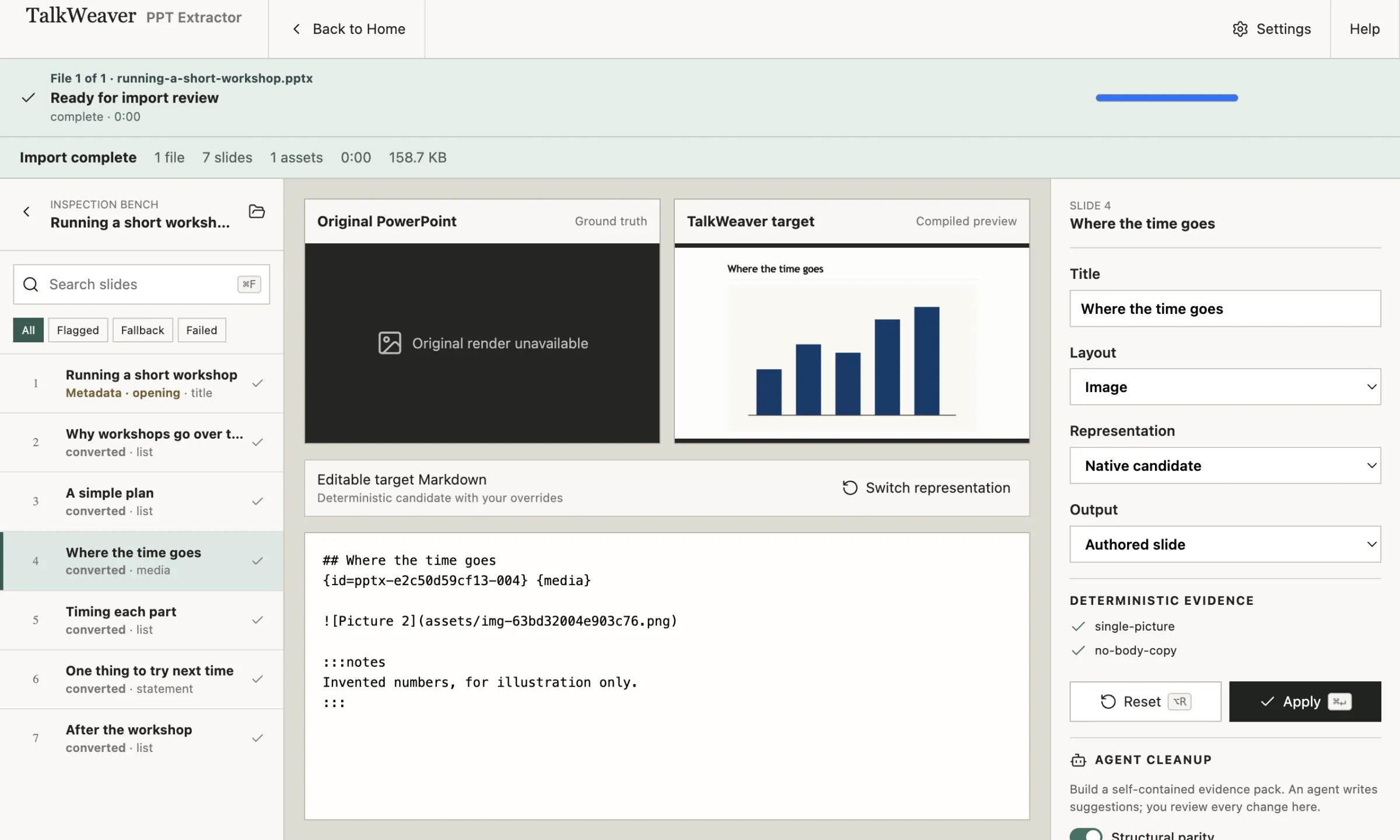
Each slide appears on the Inspection Bench, with a preview of the TalkWeaver slide and its Markdown. You can change the layout, edit the Markdown, or keep a picture of the original slide. The app carries its own copy of TalkWeaver’s slide compiler, so the previews work without TalkWeaver running.
Pictures of the original slides need LibreOffice and Poppler on your Mac. Everything else converts without them.
How it relates to TalkWeaver
It is the TalkWeaver Importer in a window of its own. Talks it creates are ordinary TalkWeaver talks. Use whichever is more convenient; the results are the same.
Download
Version 0.2.1, signed and notarised by Apple. Free and open source (MIT); the source code is on GitHub.