
Tools
TalkWeaver has three tool windows for what happens around a talk: listening back, keeping a record and bringing in old decks. Separate companion apps do jobs that do not need TalkWeaver open.
Built into TalkWeaver
Open these from the Tools menu at the top right of the TalkWeaver window. They share one Tools window, with a tab for each.
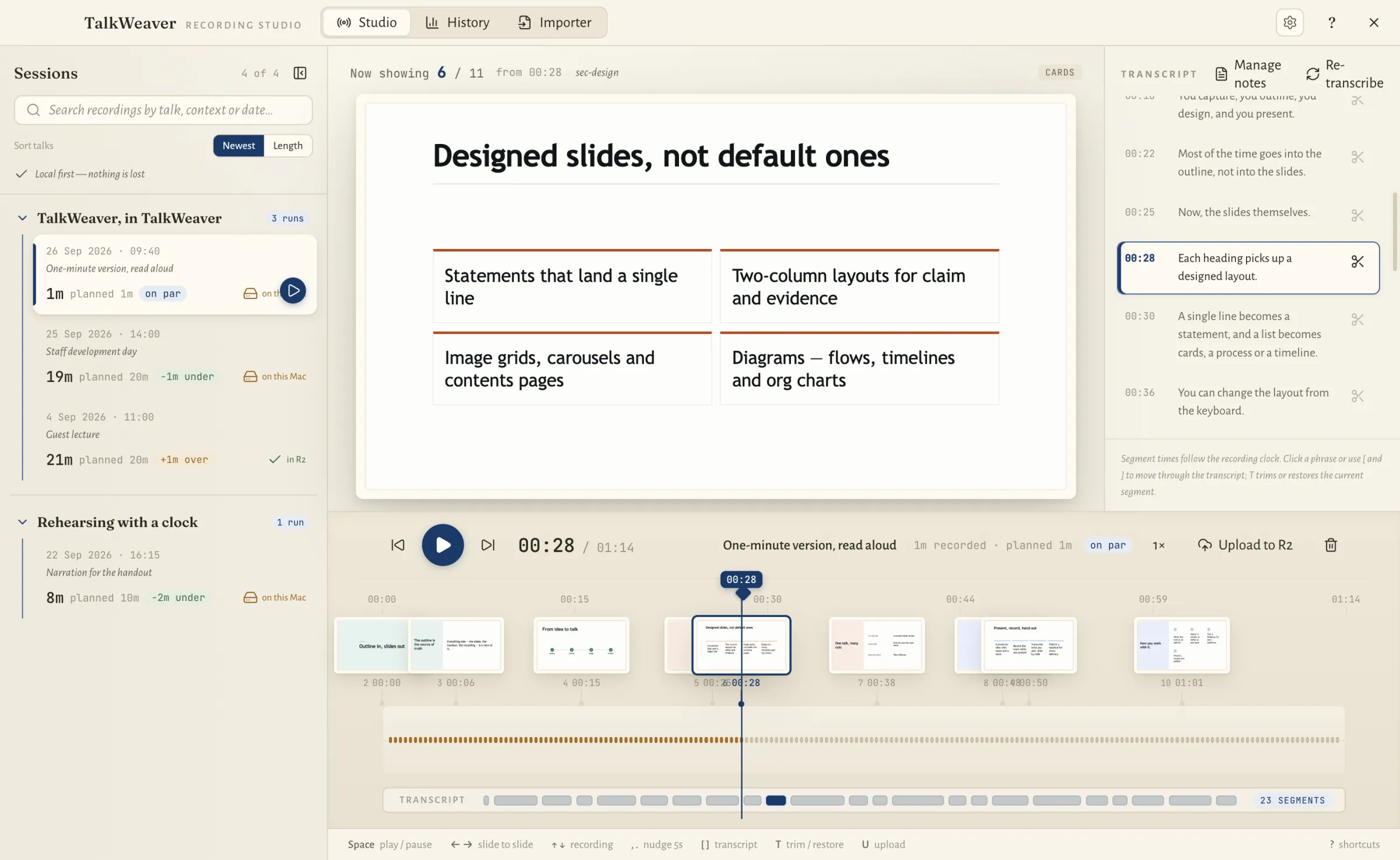
TalkWeaver Studio
Play back a recording of your talk with the slides in step, read and trim the transcript, and turn it into text.
Read more →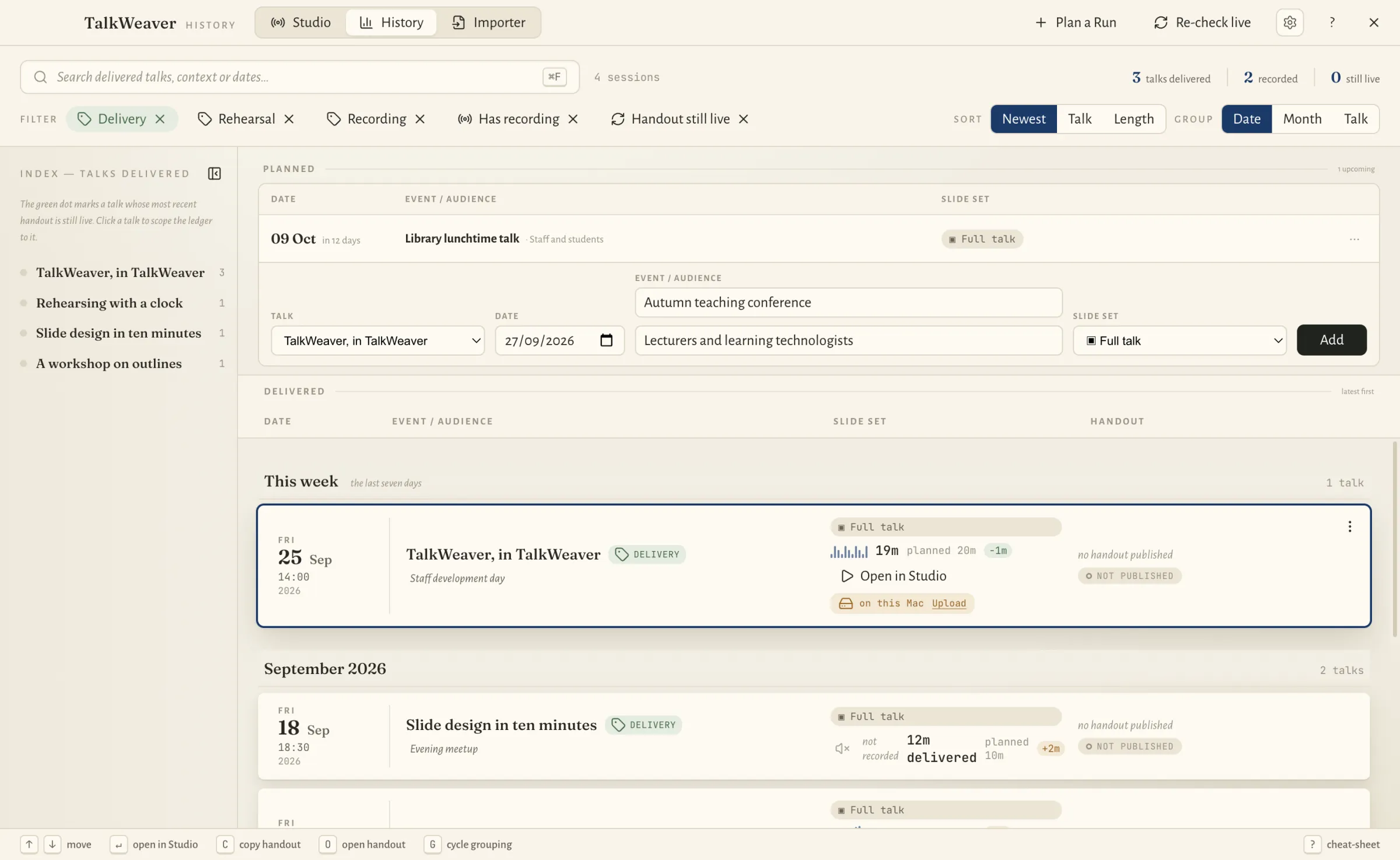
TalkWeaver History
Every talk you have given, with where, when and how long, the recording and the handout. Plan the next ones here too.
Read more →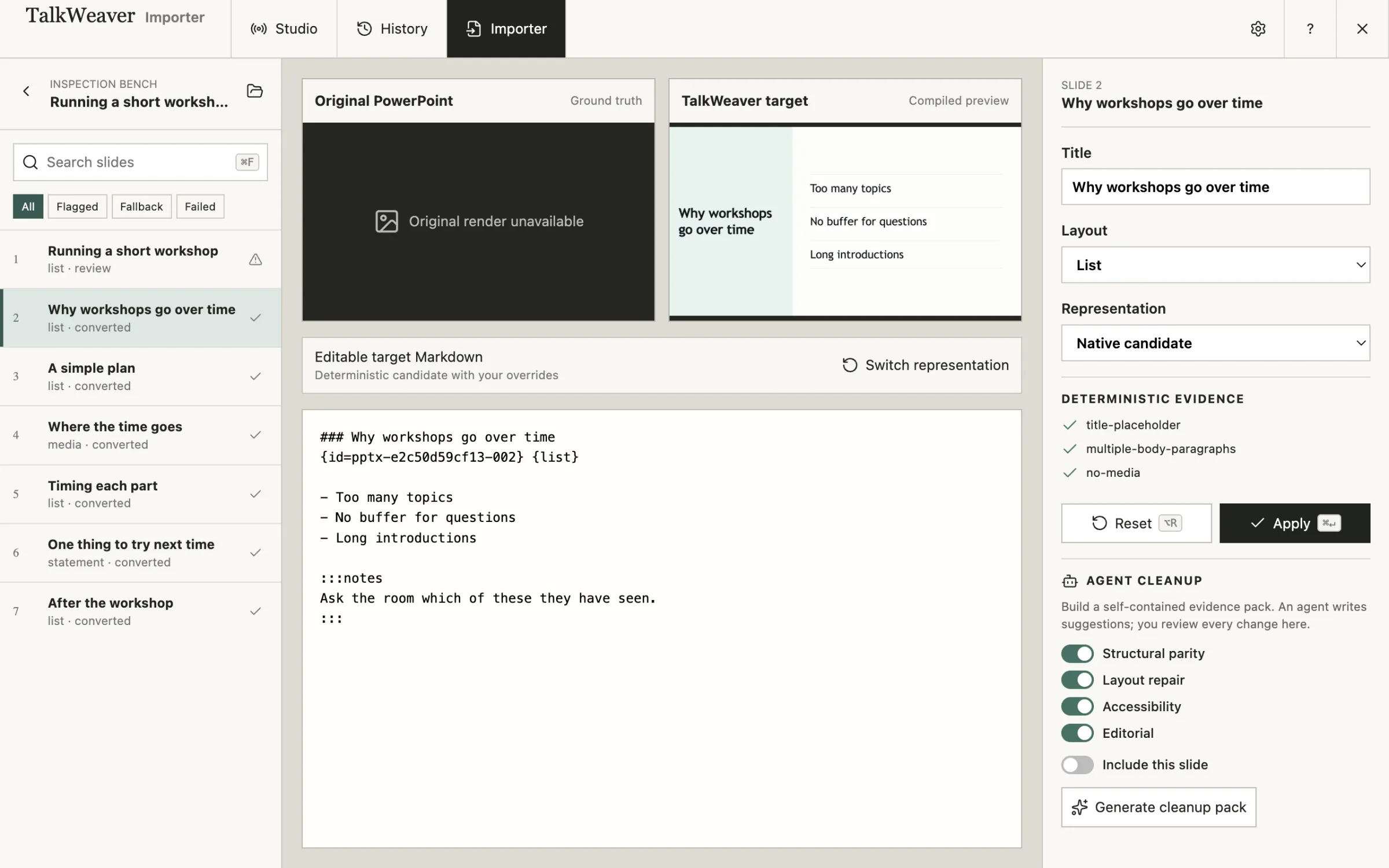
TalkWeaver Importer
Turn PowerPoint decks into TalkWeaver outlines, then check and correct each slide before you use it.
Read more →Companion apps
Separate apps that work with the same files. You do not need them to use TalkWeaver.
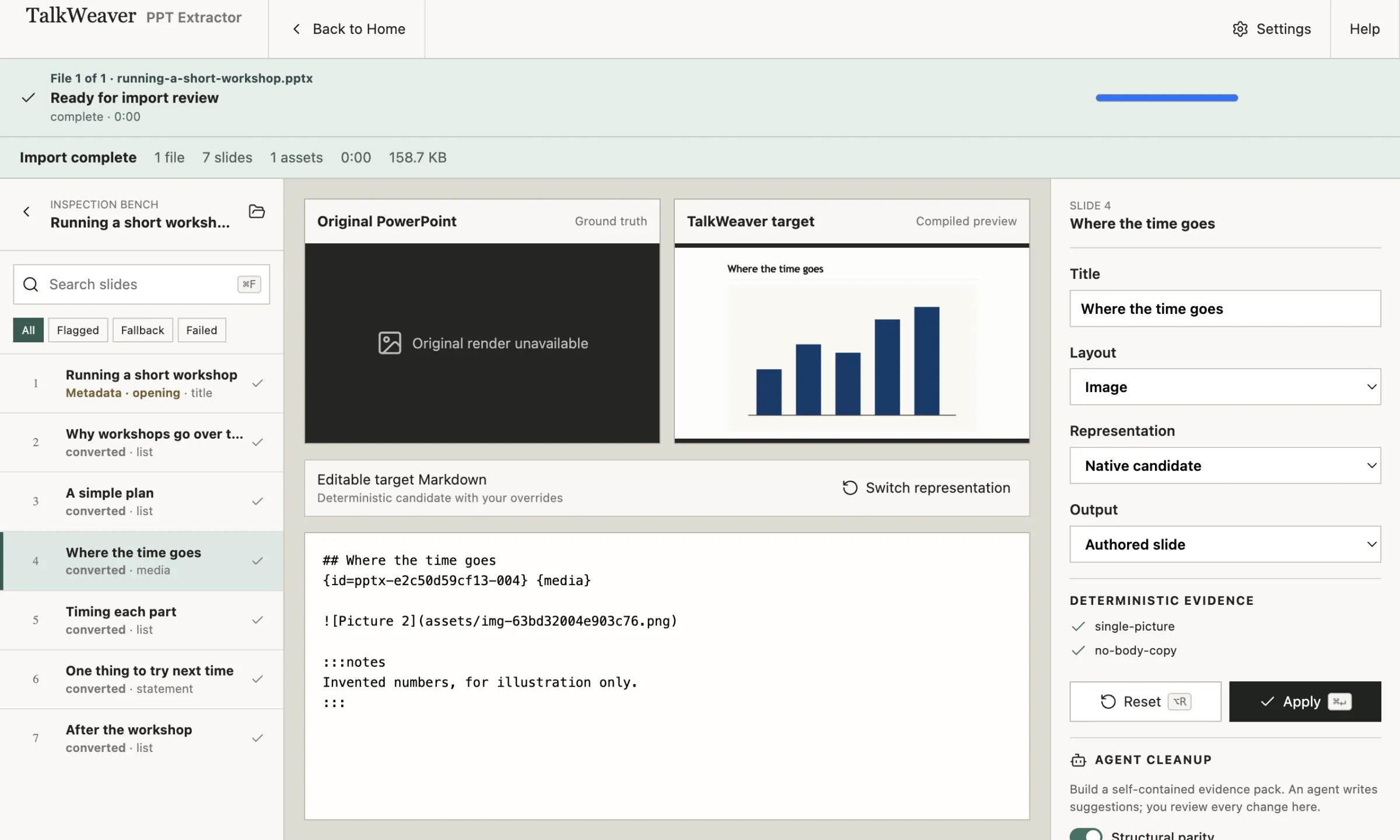
TalkWeaver PPT Extractor
The Importer as an app of its own. Convert PowerPoint decks into TalkWeaver talks without opening TalkWeaver.
Read more →TalkWeaver Handouts In development
An app for publishing handouts for talks, courses and series to a handout site of your own.
Read more →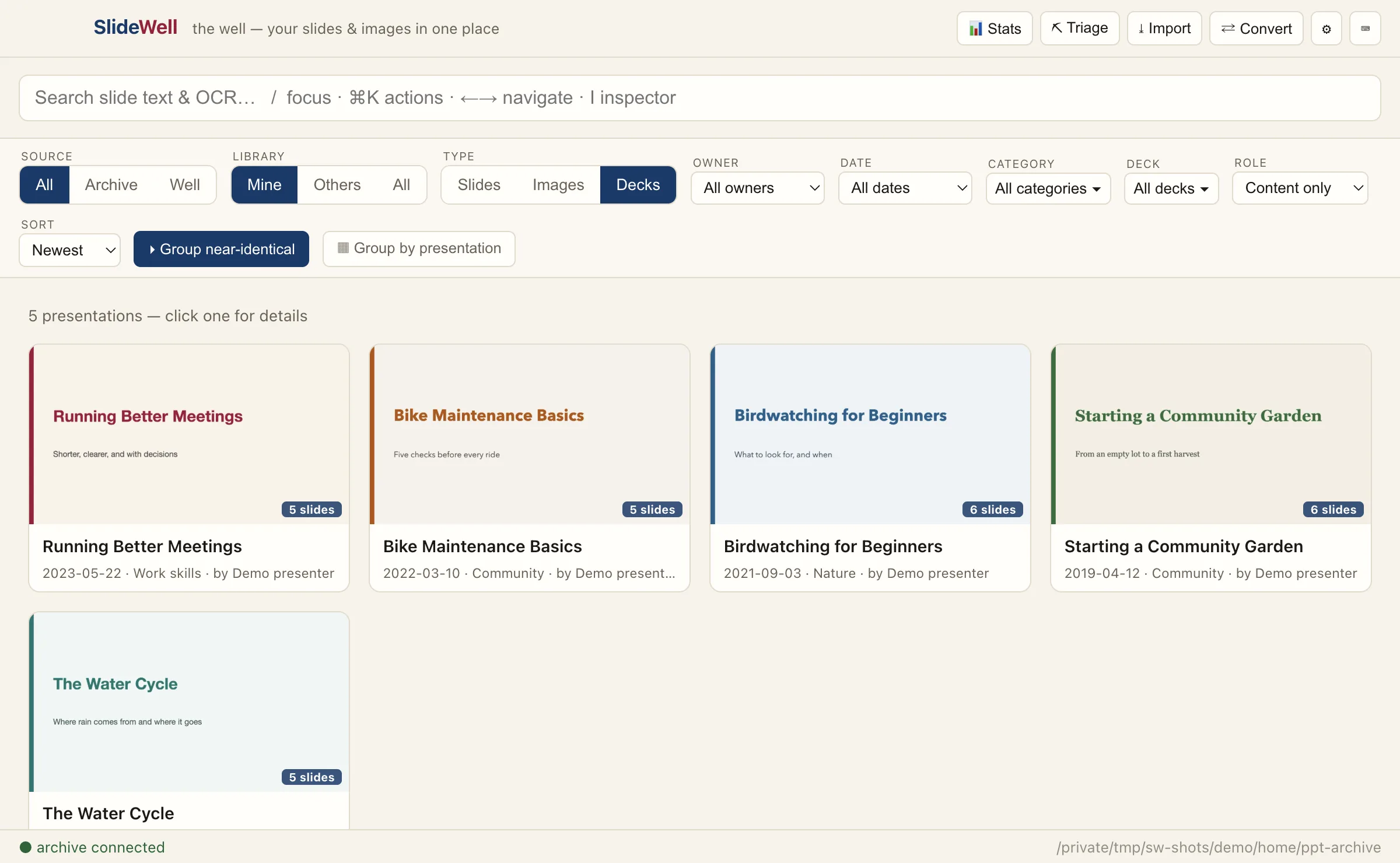
SlideWell
Your slides and images in one place: browse, search and reuse every slide and picture from your old PowerPoint decks. For macOS.
Read more →