
SlideWell
SlideWell keeps your slides and images in one place. It brings in your old PowerPoint decks, makes every slide, picture and deck searchable, and collects the screenshots and images you want to use again. TalkWeaver is where you write talks; SlideWell is where you find the material for them.
Who it is for
It is for speakers with years of PowerPoint decks behind them, who remember a slide or a picture but not which deck it was in. Import one deck or a whole folder, and SlideWell pulls out each slide’s text, its structure, a picture of the slide and the images inside it.
Your PowerPoint files stay where they are. SlideWell reads them and keeps its index on your Mac.
Slides, images and whole decks
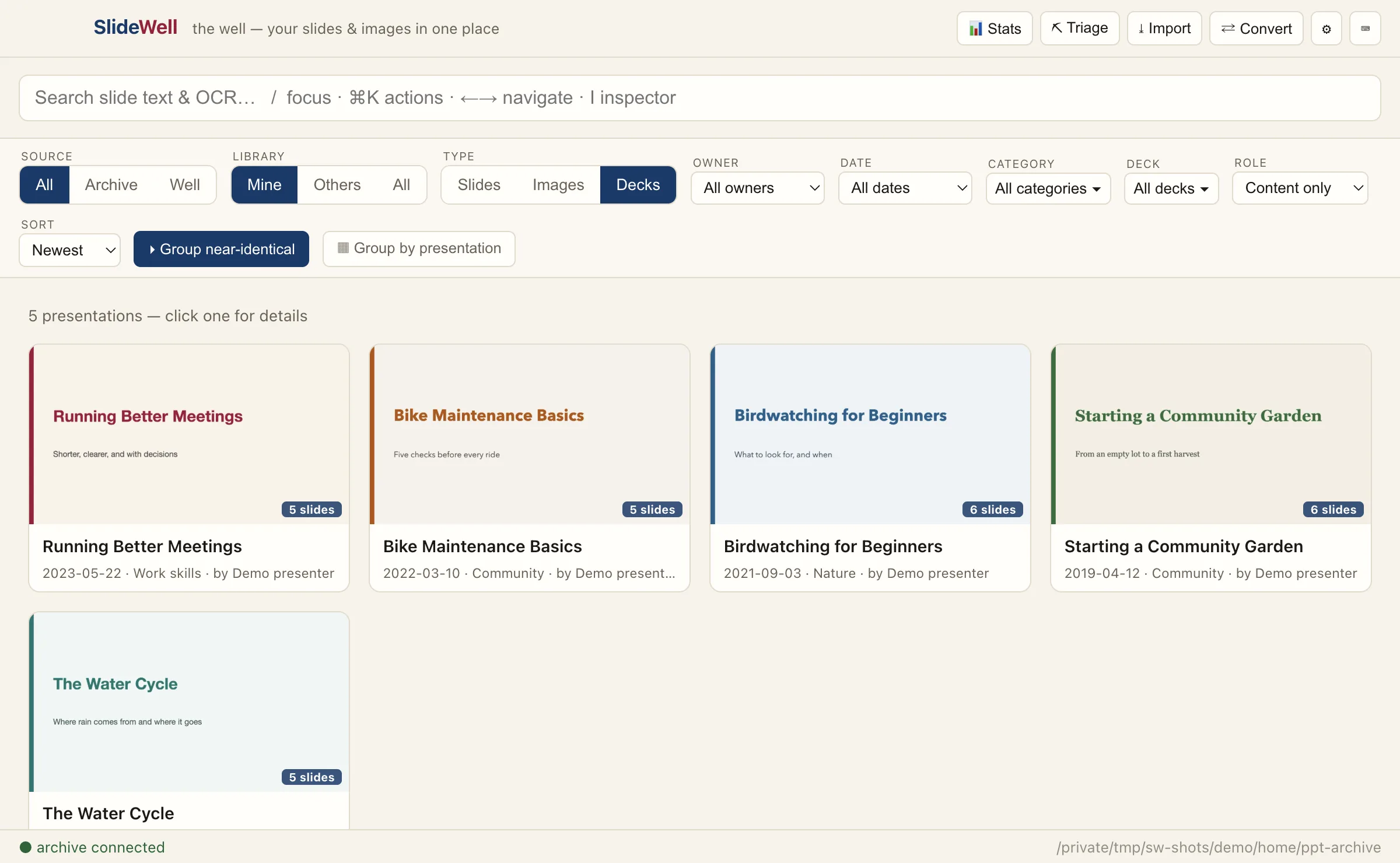
One search box covers the text on your slides and the text found inside images and screenshots. Browse the results three ways: single Slides, Images, or whole Decks shown by their title slide, with the date, folder and number of slides.
Filter by date, category and deck, group near-identical slides into one result, and open any slide in the order of its whole deck.
The image well
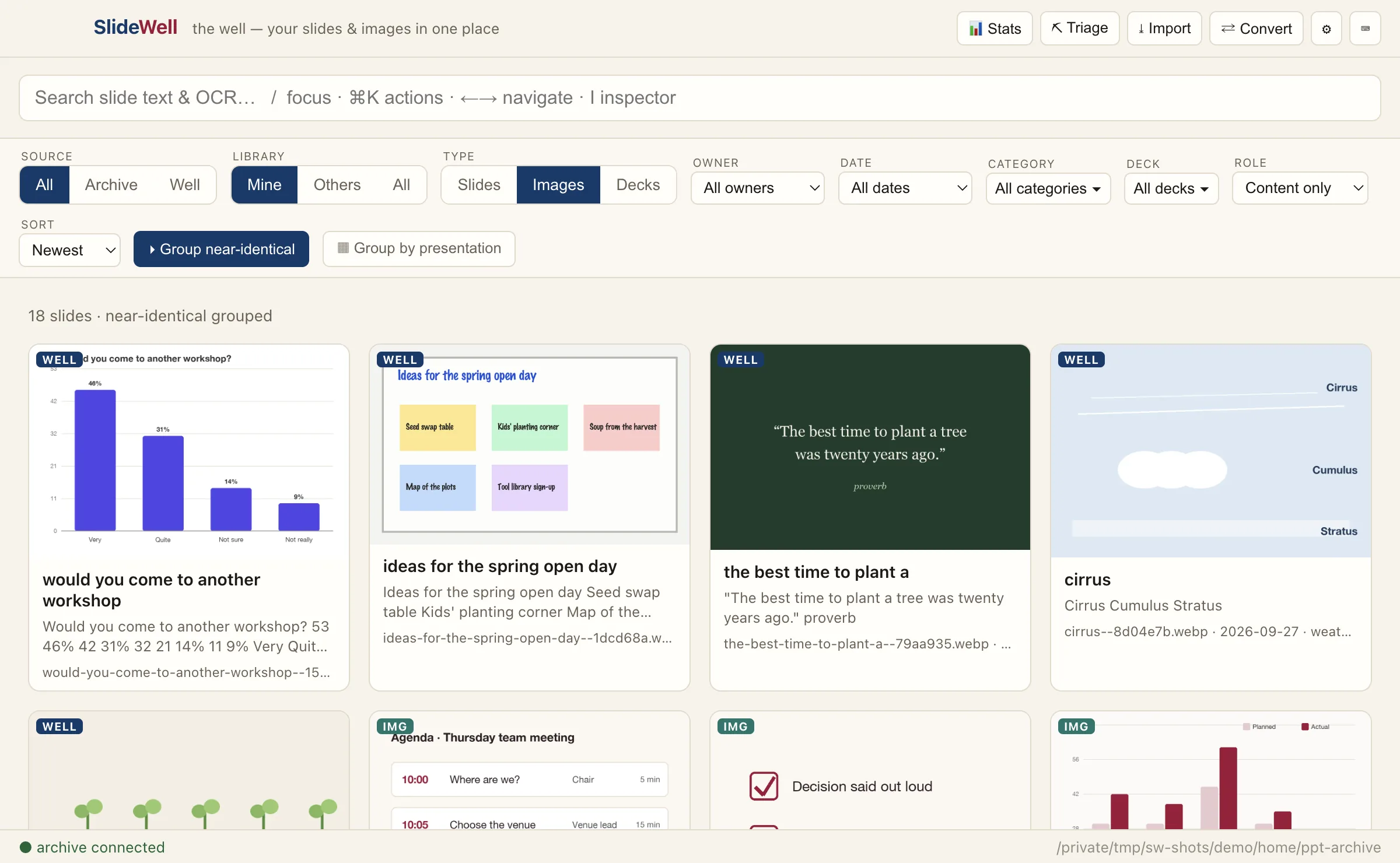
Next to the images from your decks, SlideWell keeps a well of pictures you have collected: screenshots, found images and the images you have already used in TalkWeaver. They are organised by tags and search, not folders.
Triage screenshots and short videos
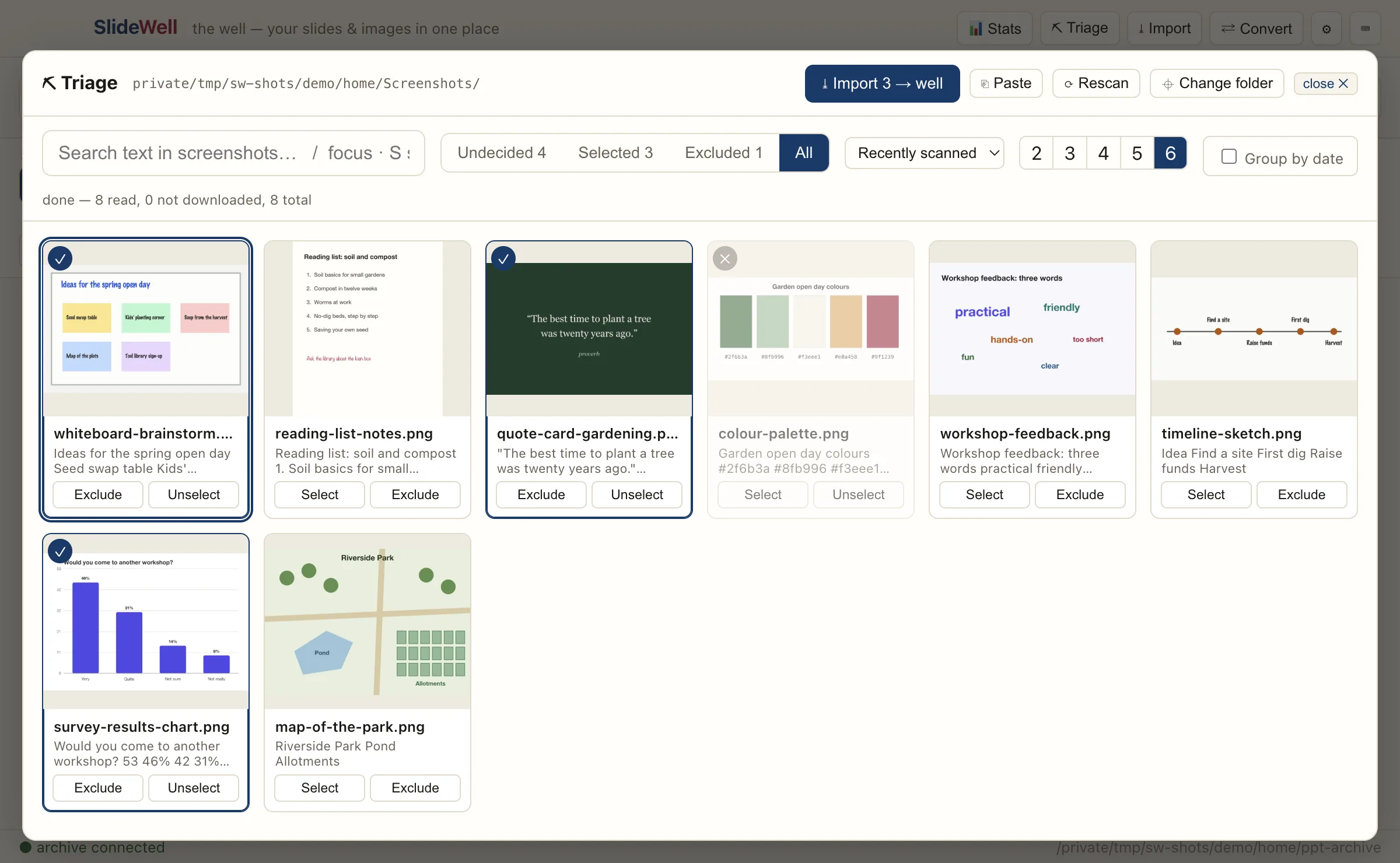
Point SlideWell at a screenshots folder. It looks through the folder and its subfolders and reads the text in every picture, so you can search it. Select the ones worth keeping, exclude the rest, and import the selection into the well. SlideWell remembers each decision, so the next pass shows only what is new.
Short videos get a poster frame and play inside the app. The folder itself is only read: nothing in it is moved, renamed or changed.
How it relates to TalkWeaver
Copy a slide’s picture as WebP and paste it into a TalkWeaver talk, or copy it as PNG, or copy the slide’s text or structure. Images in your TalkWeaver folder appear in the well by themselves: SlideWell finds the folder from TalkWeaver’s settings and lists its images where they are, without copying them.
Convert turns a PowerPoint deck from someone else into an editable TalkWeaver outline, saved in a folder you choose. It is never added to your archive or your TalkWeaver folder. To bring your own decks into TalkWeaver, use the TalkWeaver Importer or PPT Extractor.
What it needs
SlideWell runs on Macs with Apple Silicon. Slide search and PowerPoint import currently need a separate extraction engine on your Mac, with Python. Pictures of slides need LibreOffice and Poppler, and video poster frames need ffmpeg. Without them, the image well and triage still work. Settings shows which of these SlideWell has found. The engine is not public yet, so search and import are not available in the download for now.
More detail is on SlideWell’s own site and in its source repository.
Download
Version 0.3.1, signed and notarised by Apple. Free and open source; the source code is on GitHub.