
Recording and handouts
After the talk, the outline still does the work. You can record what you said, turn it back into text, and publish a handout for the people who were there.
Record the room
Recording is off unless you start it. You start it from the presenter view, and the recording is kept with the Run for that delivery. Pen drawings are kept with the recording, and replay shows each one at the moment you drew it.
An offer to record after the title slide
If your title slide has been up for at least a minute and you move to slide 2, a small notice offers to start recording.
⇧R accepts. If you ignore it, the notice fades after eight seconds.
Transcribe slide by slide
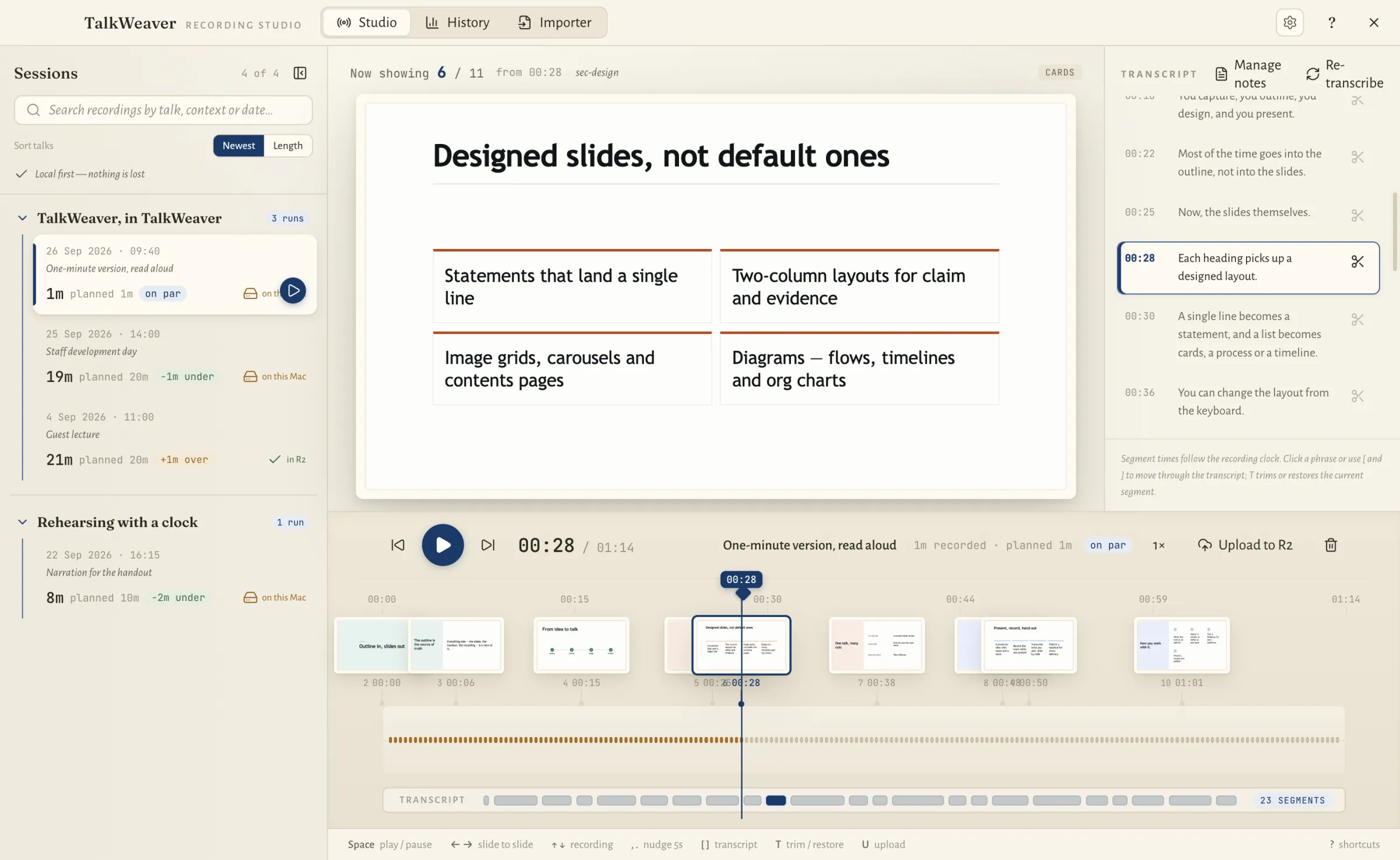
TalkWeaver transcribes what you said and lines the transcript up with the slides. You can then turn a talk back into text.
Transcription runs on your computer. On macOS it uses a local speech engine that you install yourself.
You play recordings back and work with the transcript in TalkWeaver Studio.
A handout for each delivery
Publish a handout for each delivery. It is built from that Run’s slides, has the event and date on the cover, and gets its own link. The talk’s main link stays as it was.
Handouts are published to your own Cloudflare account.
Handouts sized for a phone
A published handout shows slides at a size that adapts to a phone screen. It has a slide list, a focused slide view, and full screen when the phone is turned sideways.
A script companion follows the selected slide, however the reader moves through the handout.
Handouts are reduced to fit the hosting size limit, including when they contain images or video.
The record of a live talk
A talk’s Run in History lists every instant slide you showed during the live session, with the slide it followed.
“Add to talk” puts an instant slide into the talk after that slide, so a link or screenshot you improvised becomes part of the next delivery.
Every Run is kept in TalkWeaver History, with the audience’s questions and reactions by slide and the results of any board.
Tools for recordings and handouts
TalkWeaver Studio plays recordings with their slides and holds the transcript. TalkWeaver History lists every talk you have given, with its recording and handout. TalkWeaver Handouts In development is a separate app for publishing many handouts; it is not released yet.